
01
Its own computer
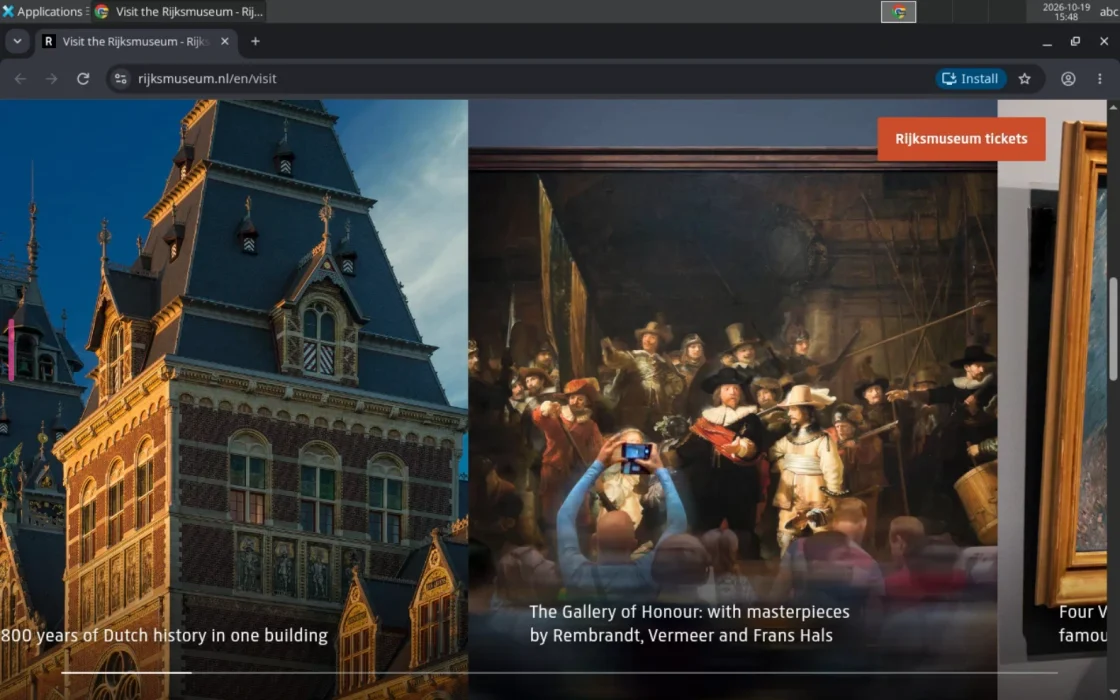
Each agent gets isolated sandboxes for its browser, its shell and its CLI. Nothing runs on your Mac or phone.
A small, supported pilot
Give the repetitive browser work its own computer. We’re inviting founders and bookkeepers to try a focused workflow: collect invoices from a few agreed portals, check what is missing and review the files.
No card required to request access. We agree the scope and price before you start.
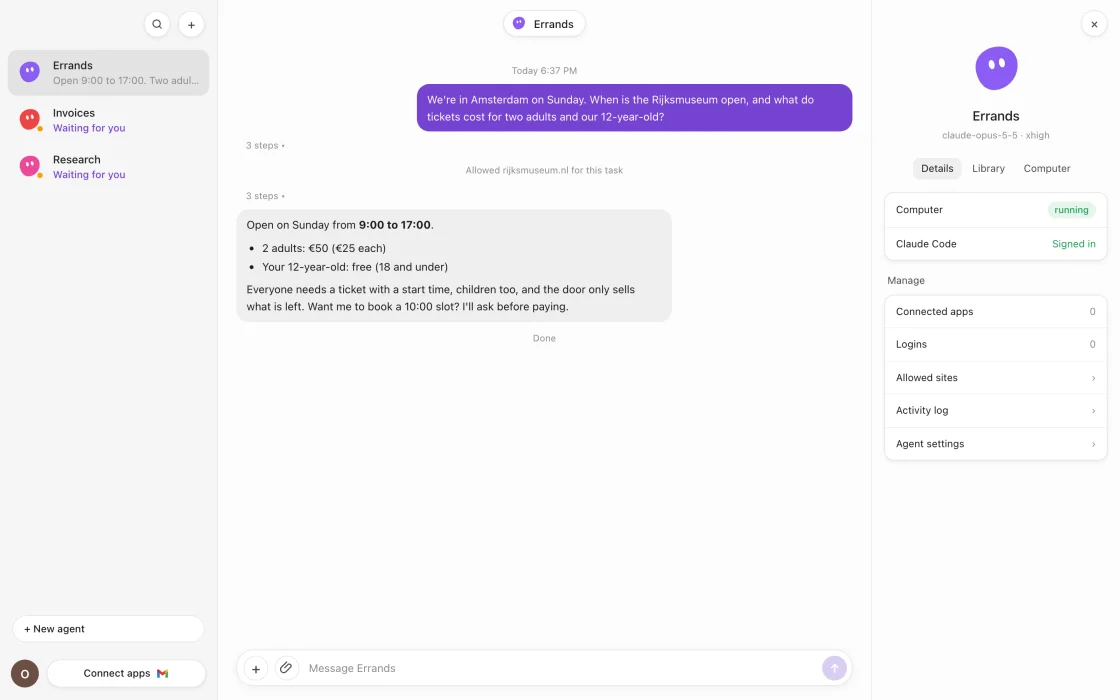
Choose the month and a few vendor portals. Agree which invoices should be there and what the finished folder should contain.
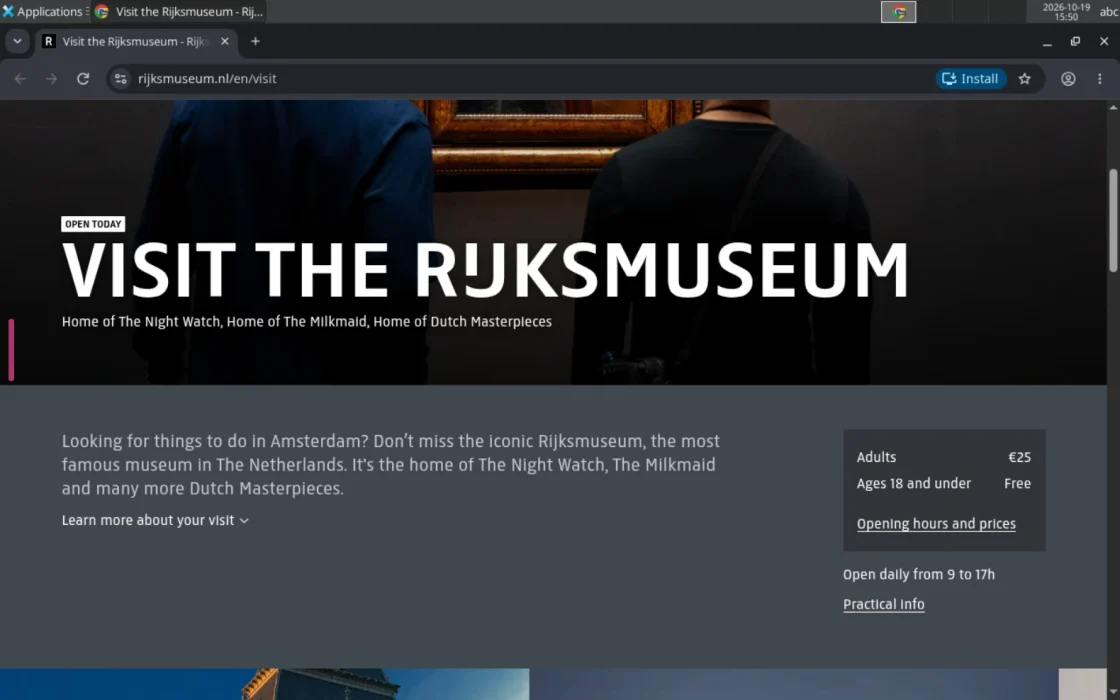
Chrome, a workspace and Claude Code run in isolated sandboxes. Allow the sites it needs and handle any sign-in checks.
Check the collected files and the list of missing documents. The pilot collects documents; you keep control of accounting decisions, submissions and payments.
Separate sandboxes, site permissions and protected login fills limit what an agent can reach. They do not replace reviewing sensitive work.
01
Each agent gets isolated sandboxes for its browser, its shell and its CLI. Nothing runs on your Mac or phone.
02
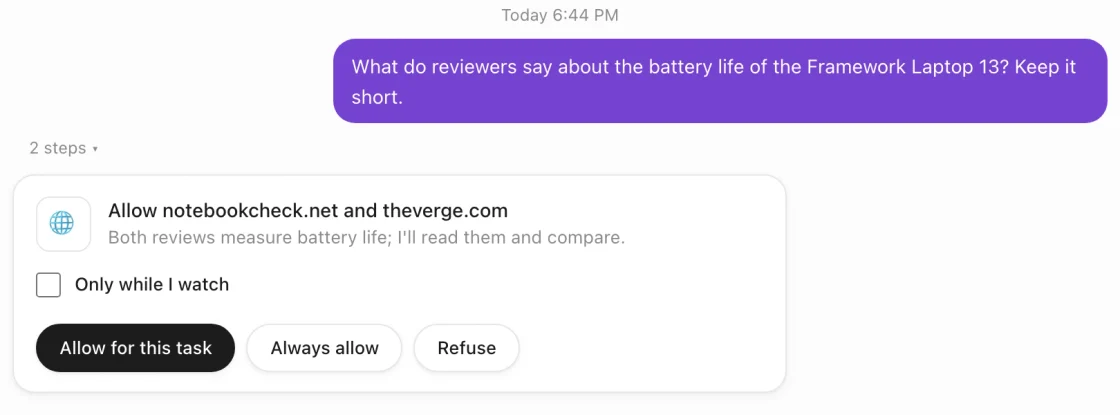
All traffic goes through a proxy that blocks everything by default. The agent asks before it reaches a new site; you allow it for one task or for good.
03
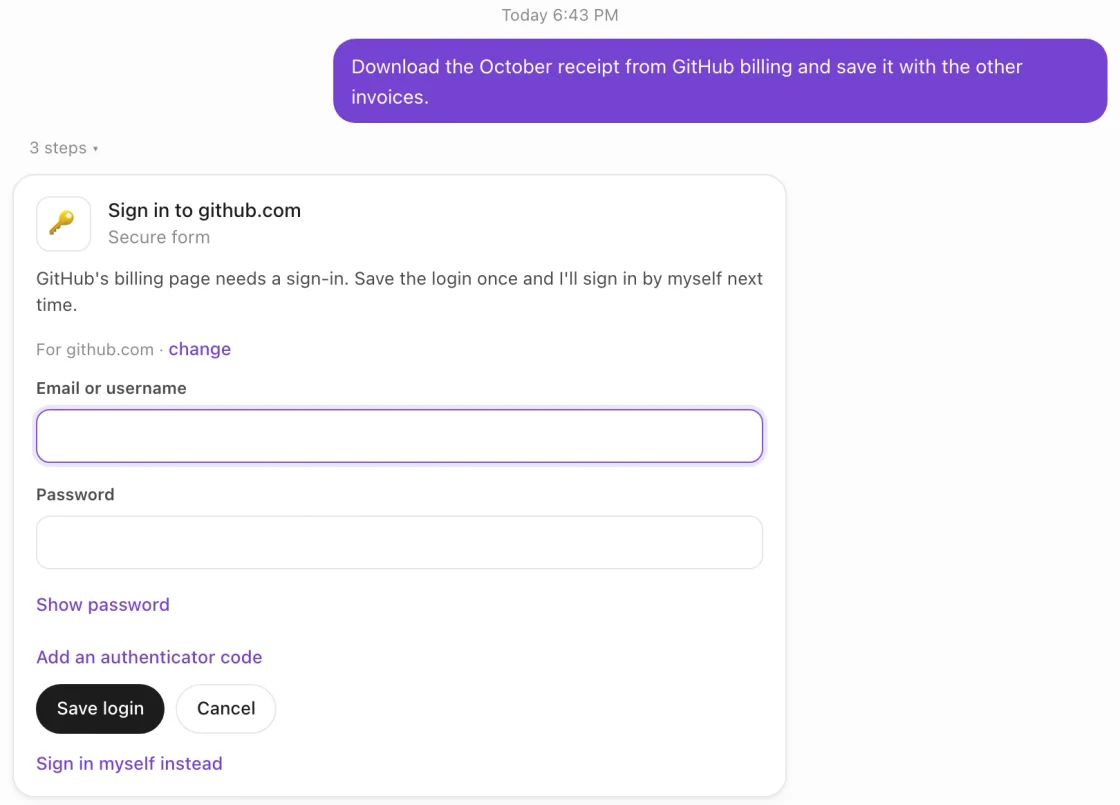
Passwords and 2FA secrets are stored encrypted. Quokka Bot types them into the page; the model never sees them.
04
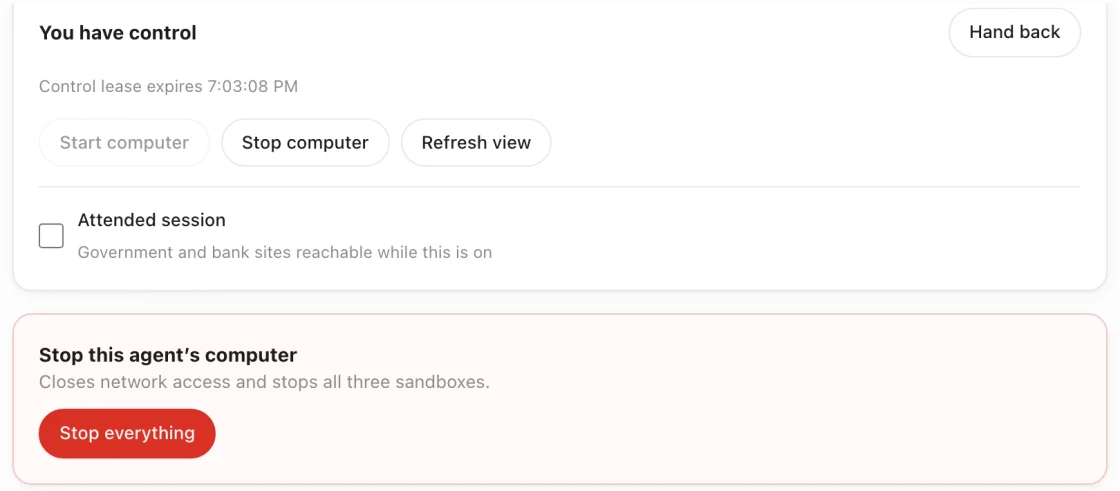
For a captcha, a text-message code or a card payment, take over the browser from the app, then hand it back.
05
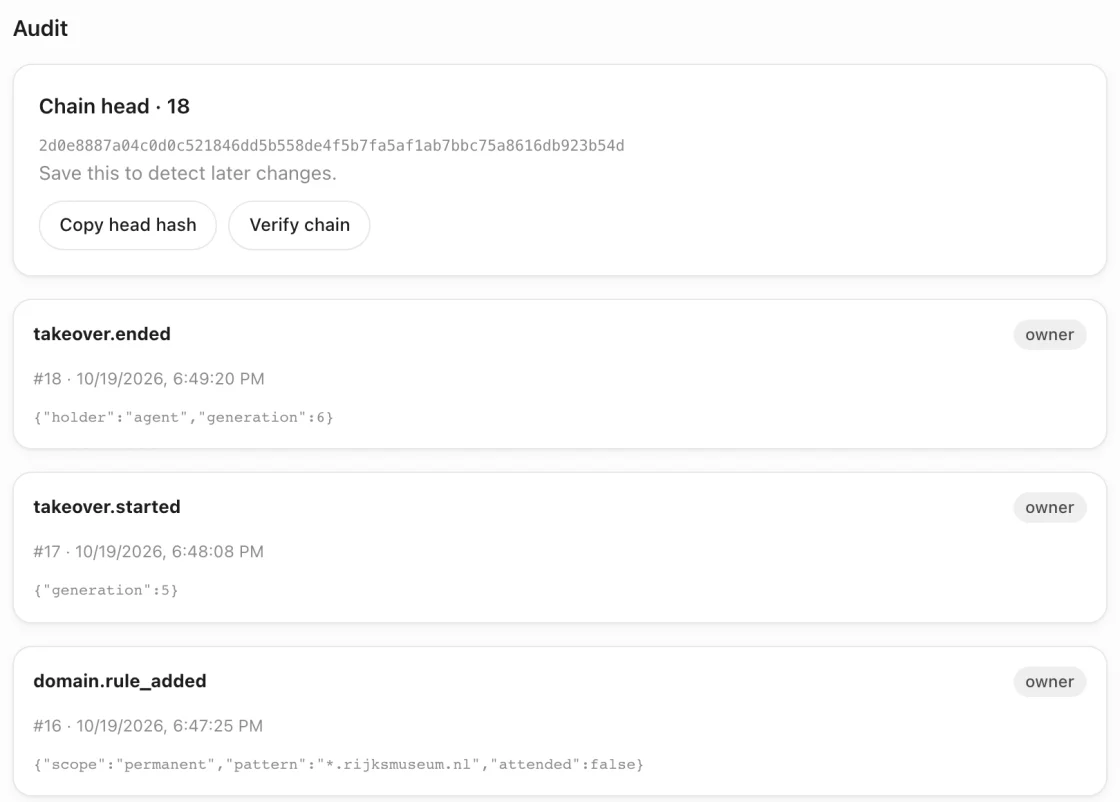
Every action goes into a hash-chained log you can verify. One button stops the computer and cuts its network.
Signed and notarized, for Apple silicon.
Answer cards and take over from your phone.
The same app in any browser.
Tell us what you collect each month. We’ll check whether the pilot fits.